Smart Square Go Notifications Not Working? The Settings That Stop You Missing Shifts
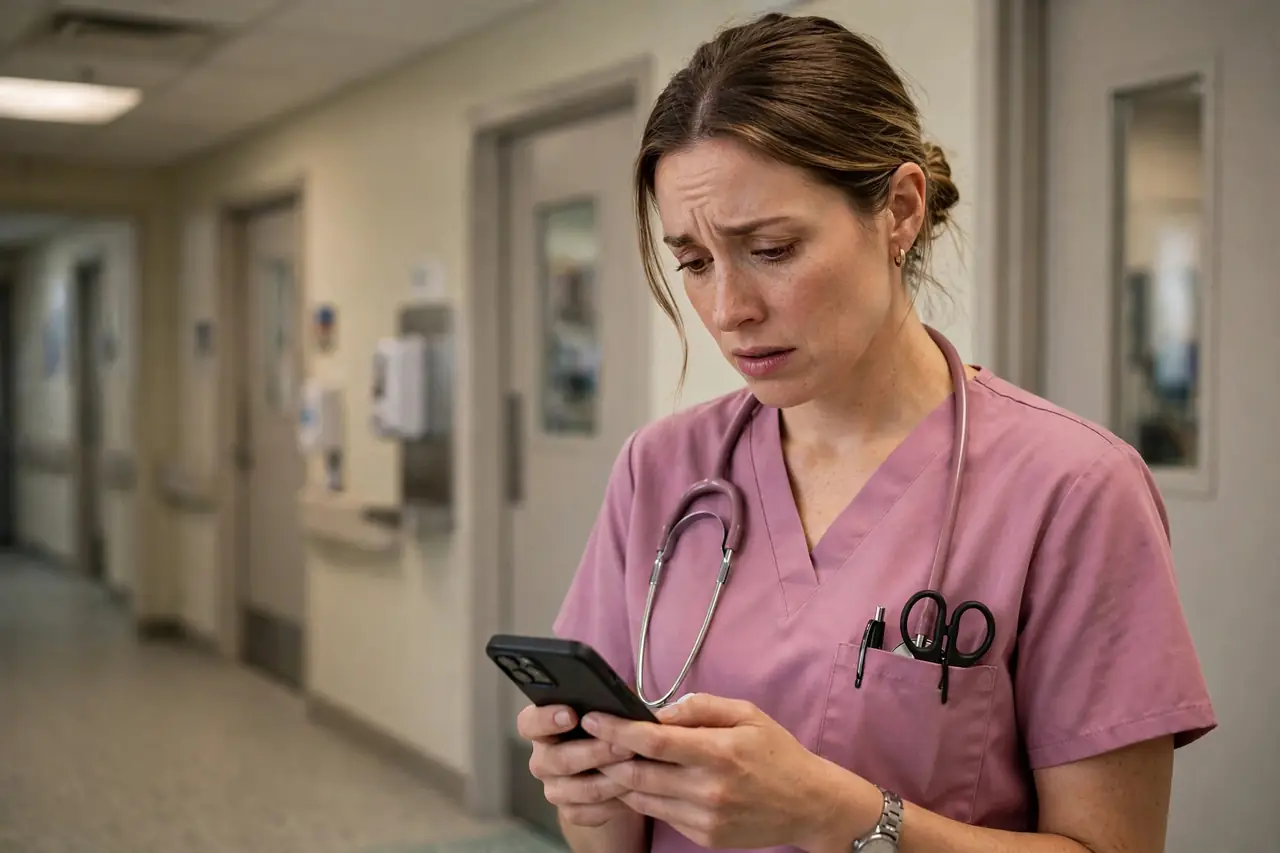
Of all the complaints in the Smart Square Go app reviews, one story repeats with real consequences: the notifications stopped, and the nurse found out too late. One float nurse wrote that after installing the app she stopped receiving text notifications, got email only — and “almost missed the window to self schedule”, missing the deployable-shift alerts that tell float staff where to report. Open shifts, swap approvals and schedule changes all move by notification. When the alerts go quiet, the schedule does not wait for you. This post explains how Smart Square notifications actually work, the settings you control, the settings your employer controls, and a two-minute check that separates the two.
The fact that unlocks everything: the app and the website share one set of settings
symplr's own tip sheet states it in one sentence: “The same notifications applicable to the web version apply to the mobile app. Users can update their settings at any time via the app or the web version.” Read that twice, because it explains most notification mysteries:
- There is one notification profile for your account — not one for the app and one for the website.
- If alerts were changed, turned down or switched from text to email on the website, the app obeys the same settings — and the other way round.
- You can fix them from whichever side is easier: Notification Settings in the app, or the same settings on the web version. The app also keeps a centralised Notification Hub for scheduling announcements, listed right in its store description.
symplr knows this area confuses people — an app update shipped “Smarter Notification Settings” with improved opt-in and opt-out actions, which is the vendor's way of saying the controls were being missed.
The settings you control: a two-minute check
- Open Notification Settings (in the app, or on the website — they are the same settings) and confirm the alert types you care about are on: open shifts, schedule changes, swap and time-off decisions, and scheduling-window reminders if your organisation uses them.
- Check the channel. If you expected texts and only get email (or the reverse), the channel choice in those same settings is where that is decided.
- Check your phone. In your phone's system settings, Smart Square Go must be allowed to show notifications, and Do Not Disturb / Focus modes must not be silencing it. On Android, battery optimisation that puts the app to sleep can also delay alerts until you open the app.
- Send yourself proof. After changing anything, watch for the next real alert before you rely on it for a scheduling window — settings you have not seen fire are a hope, not a system.
The settings your employer controls (and no guide can change)
Honesty matters here, because some notification problems are not yours to fix:
- Which alert types exist at all is set by your organisation's Smart Square configuration. If a category is not in your Notification Settings, it was never switched on for your facility.
- Timing can be set for you. One reviewer complained a scheduling-window alert arrived at 4:30 in the morning with no way to change the time — window alerts follow the window, and the window is your employer's.
- Delivery depends on your hospital's setup — text gateways, email routing and the contact details your employer holds for you. If alerts are enabled everywhere and still never arrive, that is an admin ticket, not a phone problem.
When a shift is on the line, do not troubleshoot — escalate
Notifications are a convenience layer; they are not the schedule itself. If a self-scheduling window, an open shift or a same-day change is at stake and alerts have failed you, check the app or website directly and contact your staffing office or manager — the safety line we give in our login fixes guide applies here too. Then fix the settings in daylight, with the app set up properly, so the next window does not depend on a notification you cannot prove works.
The pattern behind almost every “notifications not working” story is dull, which is good news: shared settings changed on the other platform, a channel set to email instead of text, or a phone quietly silencing the app. Two minutes in the right settings page beats a missed window every time.
Facts on this page last verified 31 October 2026 against symplr's official Smart Square Go tip sheet and the official app store listings.
Frequently asked questions
Why did my Smart Square Go notifications stop working?
The most common causes: the shared notification settings were changed on the website (the app uses the same settings), the alert channel is set to email instead of text, or your phone is silencing the app through notification permissions, Do Not Disturb or battery optimisation.
Are Smart Square notification settings the same in the app and on the website?
Yes. symplr's tip sheet states the same notifications apply to the web version and the mobile app, and you can update your settings at any time in either place.
Can I change what time Smart Square notifications arrive?
Alert types and channels are yours to set, but timing often is not — scheduling-window alerts follow the window your employer sets, so a window that opens early can mean an early-morning alert you cannot reschedule.
My notifications are on everywhere but alerts never arrive. What now?
That points to your organisation's setup — the alert category may not be enabled for your facility, or delivery details held by your employer may be wrong. Contact your Smart Square admin or staffing office; no phone setting can fix a category that was never switched on.