Smart Square vs QGenda: What's the Difference?
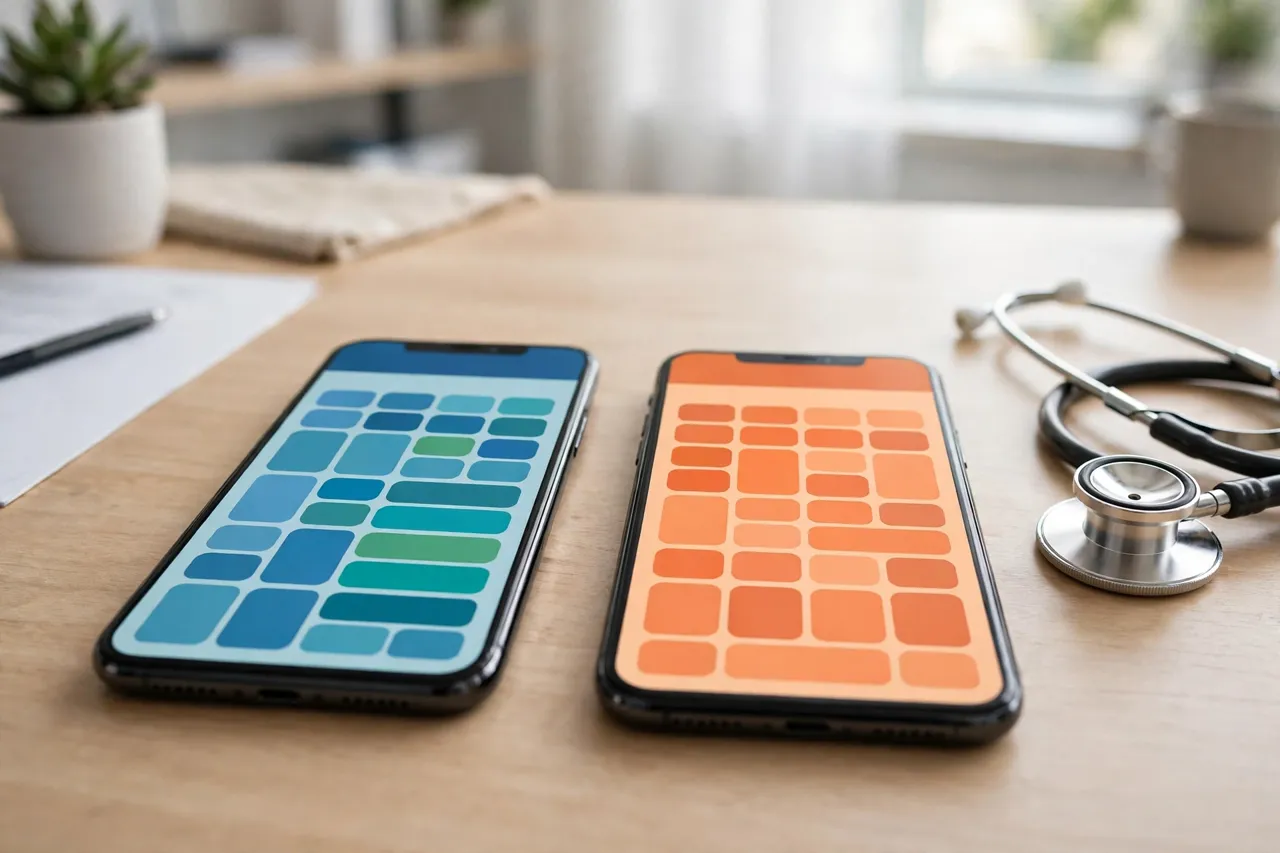
Ask a room of hospital staff about scheduling software and two names surface again and again: Smart Square and QGenda. They get mentioned in the same breath so often that new employees reasonably assume they are related — a merger, a rebrand, two doors into the same system. They are not. Smart Square and QGenda are separate products from separate companies, and confusing them wastes real time. Here is the honest comparison.
The one-minute version
- Smart Square is hospital staff-scheduling software owned by symplr (created by Avantas, later part of AMN Healthcare). Its mobile app is Smart Square Go. Hackensack Meridian Health staff use this one.
- QGenda is a healthcare workforce-management platform from the company of the same name, QGenda — widely known for physician and provider scheduling.
- Your employer chooses one system (sometimes different systems for different staff groups). Your login for one does not work on the other.
Where each is known to focus
In broad terms — and product marketing aside — the two built their reputations in different corners of the same hospital. Smart Square grew up around staff scheduling: unit rotas, open shifts, float coverage and the daily puzzle of who is on the floor. QGenda grew up around provider scheduling: physician rosters, on-call schedules and clinical assignments across departments and locations. Both have widened since, and hospitals evaluate them side by side — which is exactly why the names blur together in conversation.
What this means for you, practically
- Guides do not transfer. A QGenda how-to cannot fix your Smart Square login, and vice versa. The apps, the portals and the steps are all different.
- The app stores will happily confuse you. Searching “scheduling app” surfaces both. HMH staff need Smart Square Go — full stop.
- Switching jobs can mean switching systems. A hospital down the road may run QGenda. Your scheduling habits transfer; your account does not — expect a fresh, employer-issued login there too.
- Support is your employer, either way. For HMH's Smart Square that is 732-776-4442 (Mon–Fri 7am–5pm) — not QGenda's or symplr's public lines.
The bottom line
Smart Square vs QGenda is not a choice you make at the app store — your hospital already made it. What you can choose is to stop losing time to the confusion: if you wear an HMH badge, your system is Smart Square, your app is Smart Square Go, and your door is meridian.smart-square.com. Everything on this site is written for exactly that setup, starting with the login guide.
Facts on this page last verified 26 October 2026. Comparison points are stated in general terms; product capabilities change and are set by each vendor and each hospital's configuration.
Frequently asked questions
Are Smart Square and QGenda the same system?
No. They are separate products from separate companies — Smart Square is owned by symplr, QGenda by QGenda. Accounts and logins do not work across the two.
Which does Hackensack Meridian Health use, Smart Square or QGenda?
Smart Square. HMH staff sign in at meridian.smart-square.com and use the Smart Square Go app.
What is the main difference between Smart Square and QGenda?
In broad terms, Smart Square built its name on staff scheduling — unit rotas, open shifts, float coverage — while QGenda is widely known for physician and provider scheduling and on-call rosters. Both have widened since.
I moved hospitals and the new one uses QGenda — can I keep my Smart Square account?
No. Each employer issues its own login for its own system. Expect a fresh, employer-provisioned account at the new hospital.